
Samsung’s Recompose tool could let you shift a photo’s perspective with AI in One UI 9.5
Code in One UI 9.5 Beta 1 reveals a Photo Assist tool that could convert still shots into 3D scenes to change camera angles.
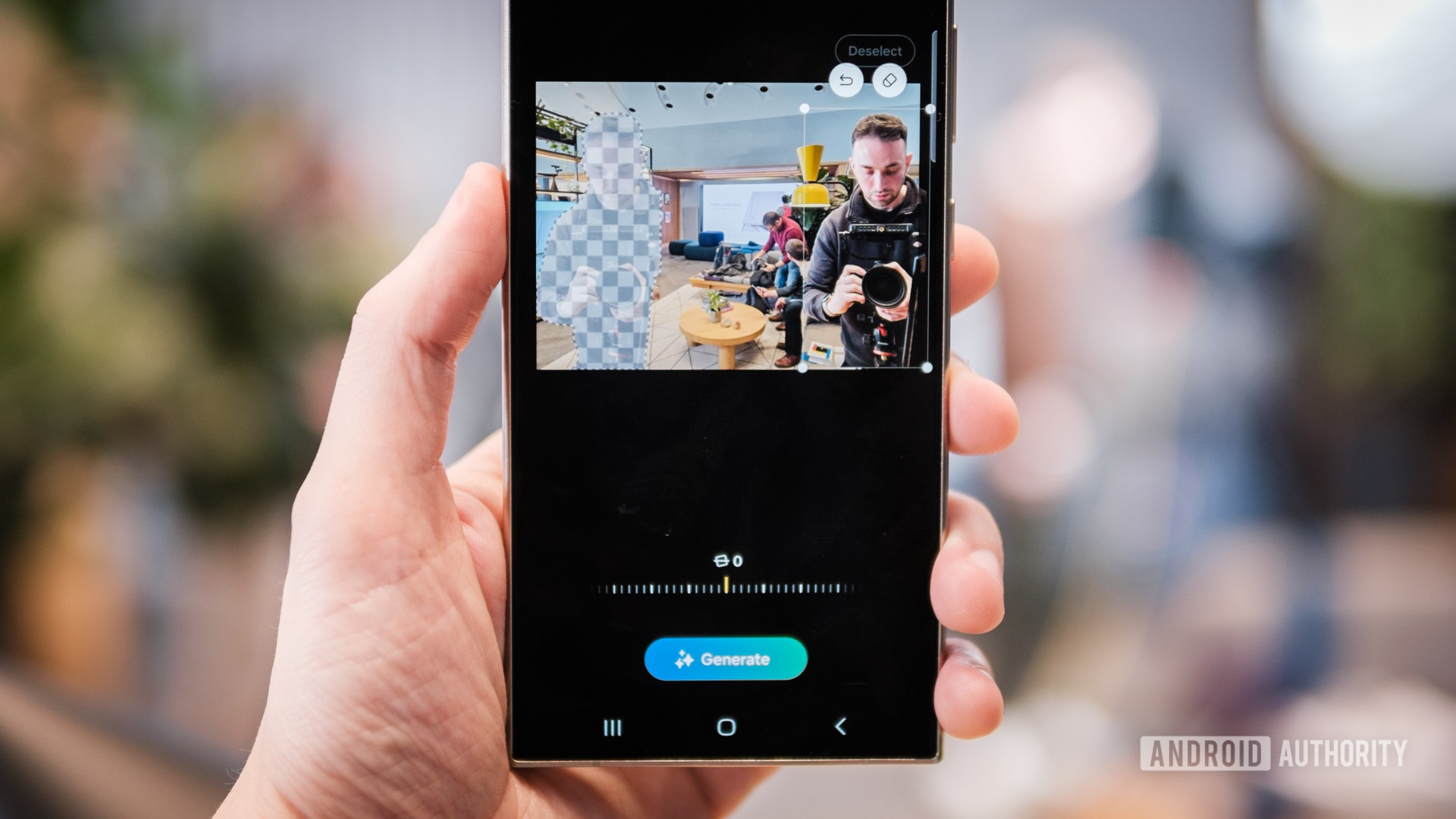
Credit: Robert Triggs / Android Authority TL;DR Code in One UI 9.5 Beta 1 suggests Samsung is working on Recompose, a Galaxy AI tool in Photo Assist that could let you change a photo’s angle and perspective after you’ve taken it. Recompose appears to build a 3D version of your photo on-device using Samsung’s Spatial Core add-on, before Samsung’s cloud generates the final image. Recompose is hidden on the Galaxy S26 Ultra for now, and the same code shows Photo Assist’s Style tool switching to a new image model labeled “GPT”. Samsung has been steadily turning its Gallery app into a Galaxy AI photo editor. Photo Assist can already erase objects , move and resize them, expand backgrounds, restyle your shots, and edit them with text prompts. With One UI 9.5, Samsung also added a Live effect tool that turns still photos into 3D wallpapers . Now, code in the One UI 9.5 beta suggests the two ideas are coming together. Samsung appears to be working on a tool called Recompose, which could let you change the angle of a photo after you’ve taken it. APK teardown: This reporting is based on work-in-progress code. These features may not ship. Recompose could let you change the angle of your photos We found Recompose inside Samsung’s Photo Editor app in One UI 9.5 Beta 1 on our Galaxy S26 Ultra. It sits within Photo Assist’s Move tool, which currently only lets you straighten a photo on the S26 Ultra. On supported devices, the Move tool could gain a switch button to toggle between “Move” and “Recompose”, along with a reset button.
Verified Source Intelligence
Android Authority
Samsung’s Recompose tool could let you shift a photo’s perspective with AI in One UI 9.5
Read on Android Authority